Copy the link
Copy a link to public content you own or have permission to save.
FAST • SIMPLE • MOBILE FRIENDLY
Paste your Instagram link below to continue.
Only save public content you own or have permission to download.
Copy a link to public content you own or have permission to save.
Paste the Instagram URL or profile username into the box above.
When a supported API returns a valid media link, use the download option.
Save supported public Instagram videos from a post link in your browser. IGFast is built for quick video downloads without installing an extra app.
Copy the link of a public Instagram video, paste it above, and choose Download. If the media is available, IGFast returns a downloadable result for your device.
IGFast works directly in a modern web browser on phones, tablets and computers. No Instagram password is requested.
Use these three simple steps to save supported public content that you own or have permission to download.
Open Instagram and copy the link of the public video, photo, Reel or other supported content.
Return to IGFast and paste the copied Instagram link into the downloader box above.
Tap Download. When the media is available, choose the result you want to save to your device.
Yes. IGFast works in modern mobile browsers, so no separate downloader app is required.
A clean downloader experience focused on speed, compatibility and responsible use.
Paste a supported link and start the download process in only a few steps.
Use IGFast from a modern browser on Android, iPhone, tablet, Windows or Mac.
Available download quality depends on the original media and the connected download service.
IGFast does not require your Instagram password. Never enter your Instagram password into a downloader.
Save supported active Stories from public accounts when they are available to the download service.
Download supported Highlight photos or clips from public profiles.
View and save an available profile picture from a supported public Instagram profile.
Save supported public post photos, videos and Reels using their Instagram links.
IGFast is intended for public content that you own or are authorized to save. Private or restricted content may not be accessible. Respect creators' copyright, privacy and applicable platform rules, and do not republish or use someone else's content commercially without permission.
Quick answers about using IGFast for supported public Instagram content.
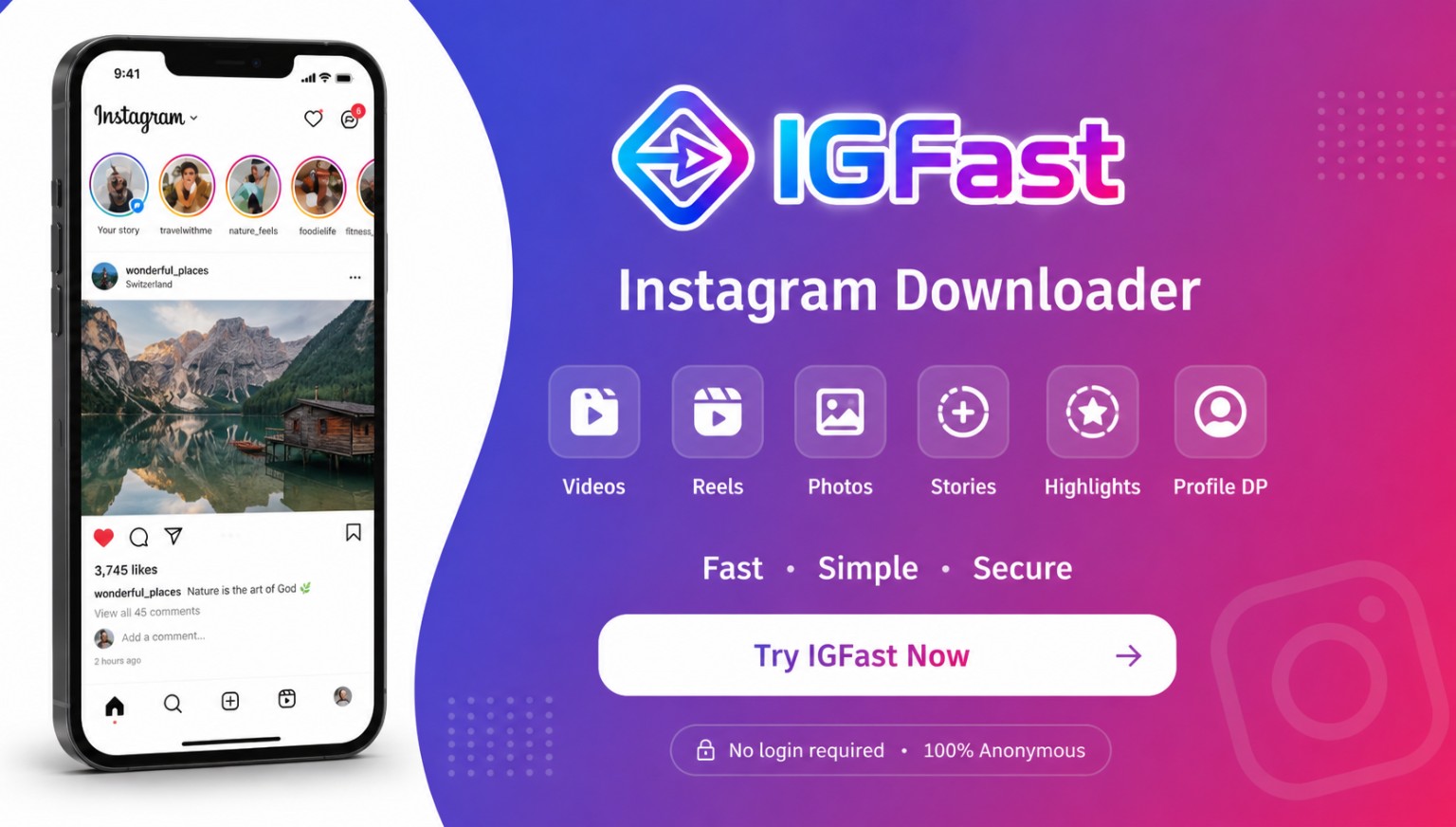
IGFast is a browser-based Instagram downloader that helps you process supported public videos, photos, Reels, Stories, Highlights and profile pictures. You can use it directly from a modern browser without installing a separate app.
No. IGFast does not ask for your Instagram username or password. Paste a supported public Instagram link into the downloader to begin.
IGFast is intended for public content. Private, restricted, expired or otherwise inaccessible posts and Stories may not be available to the connected download service.
Available format and quality depend on the original Instagram media and the download service connected to IGFast. A result cannot be offered in a quality higher than the available source.
IGFast itself can be designed without a fixed daily counter, but actual availability or limits may depend on the configured API or download provider and its rate limits.
Copy the public Instagram link, paste it into the IGFast box, tap Download, then choose an available result. Only save content you own or have permission to download.
IGFast is designed to work in modern browsers on Android, iPhone, Windows, macOS and other common devices. Keeping your browser updated usually gives the best experience.
Your browser normally saves the file in its default Downloads location. On a phone, you can usually find it in the browser download list, Files app or device download folder.
IGFast should avoid keeping submitted links longer than needed to process a request. The exact handling also depends on the configured backend or API provider, so the privacy policy should match the final production setup.
Speed and availability can vary because of your internet connection, the source media, Instagram access restrictions, rate limits or the connected download service. Trying again later may help when a source is temporarily unavailable.
Only download, reuse or republish content when you have the necessary rights or permission. Respect copyright, privacy and applicable platform rules.